
A downloaded PDF can be an article, report, thesis, standard, manual, or web page. To cite it in IEEE, identify the underlying work and retain the fields that distinguish it from other PDF files.
PDF Is a File Format, Not a Source Type
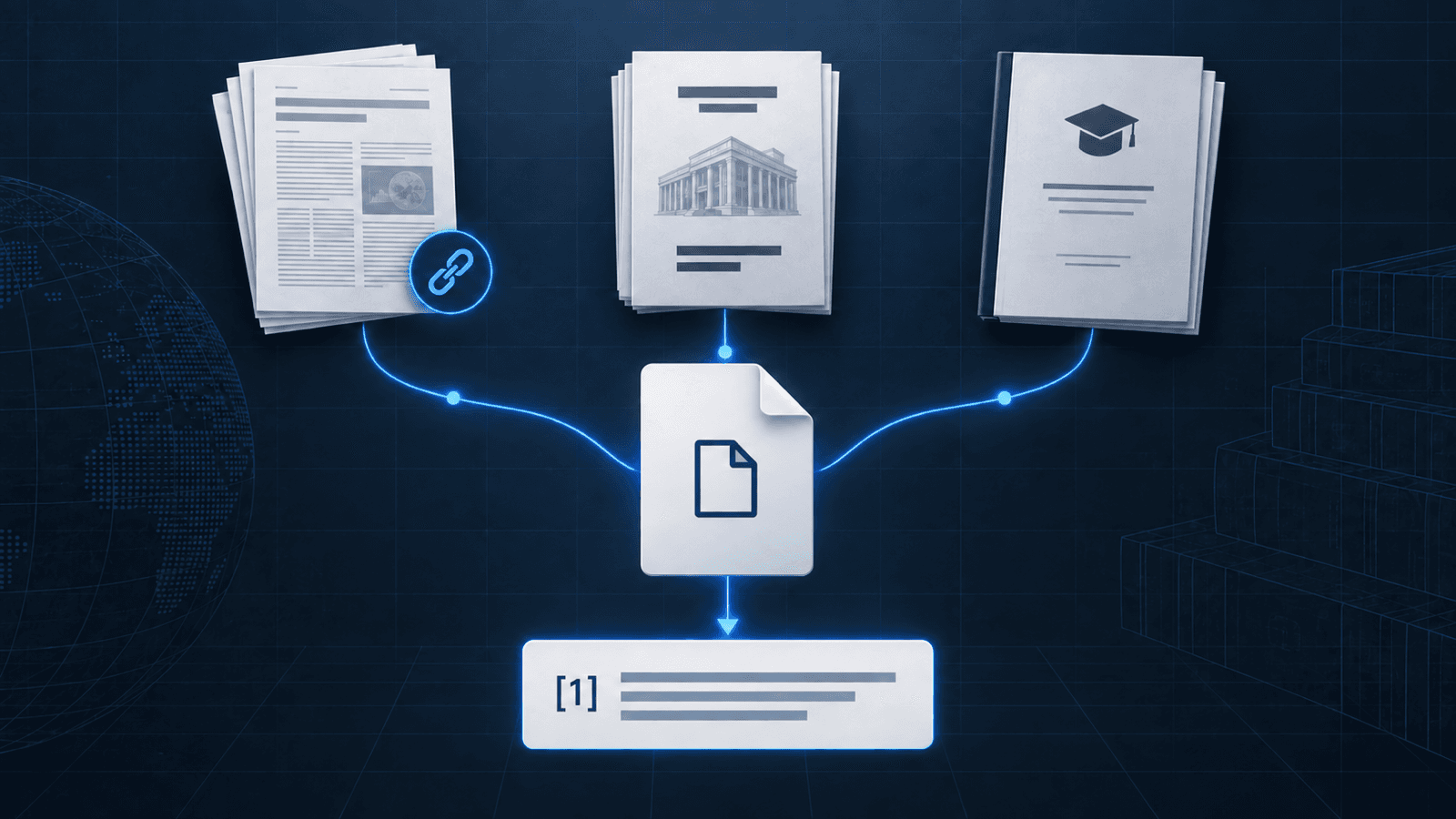
To cite a PDF in IEEE, identify the work inside the file before formatting it. A PDF can deliver a journal article, report, thesis, standard, or web page. The extension says how you received it; the title page and publication record say what it is.
If the file is an issued technical standard, keep that source identity and use the IEEE standard citation guide to check its number, version, and year.
If the file is a manufacturer data sheet, record its document number and revision before you build the reference. The IEEE datasheet citation guide shows how those fields differ from a component part number.
Find Bibliographic Details Before You Open a Citation Tool
First, inspect the PDF's title page, header, footer, or first page. Then find the matching publisher, agency, journal, or university record. It can reveal a DOI, report number, degree, issue, page range, or publication date that the PDF alone does not make obvious.
| Inspect | Record | Why it matters |
|---|---|---|
| Title page and author line | Exact title and authors or responsible institution | Distinguishes the work from the PDF filename or repository label |
| Journal, agency, or university name | Container, publisher, institution, or degree statement | Determines the source pattern |
| Issue, pages, report number, or degree | Volume, issue, pages, series number, or thesis degree | Preserves the details a generic online entry would discard |
| Record page or citation panel | Publication date, DOI, stable landing page, or direct file URL | Gives readers a reliable route back to the work |
Save the strongest identifier that actually belongs to the work. A DOI usually wins over a long download link, but a stable institutional record is still useful when no DOI exists. Compare the source record with the PDF rather than copying metadata from a search result or someone else's bibliography.
Choose Between an Article, Report, and Thesis
The source type controls the order of fields in an IEEE reference. These signals are more reliable than a file icon.
| What the source shows | Choose | Keep visible |
|---|---|---|
| A journal title, volume or issue, pages or article number, and often a DOI | Journal article | Journal name, volume, issue, pages or article number, year, and DOI |
| An agency or institution, a numbered series, and a report number | Technical report | Publisher or institution, city where required, report number, month or year, and DOI or stable record |
| A university, degree, department or program, and thesis or dissertation statement | Thesis | Degree, institution, city where required, and date |
If the PDF is a confirmed journal article, open Journal mode and compare the returned fields with the publication record before copying the result. The current generator also has a Thesis source type. It does not have a dedicated Technical Report source type, so do not present a generic Online draft as a finished report reference: retain the institution and report number, then compare the line with the target venue's guide.
A thesis needs one more identity check. The repository service that hosts it may differ from the university that granted the degree. For degree wording, school fields, and stable record links, use the IEEE thesis and dissertation citation guide. If the record identifies an issued report, continue with the IEEE technical report citation guide to preserve its authors, report number, version, and institution.
Three Public PDF Examples: Start With the Cover, Then Confirm the Record
The examples use public records that can be checked. Their bracket numbers are illustrative; use your manuscript's sequence. The point is the route from identifying fields to a source pattern, not automatic citation from every downloaded file.
1. A journal article with a DOI
The public PDF and its publisher record identify “Highly accurate protein structure prediction with AlphaFold” as an article in Nature, vol. 596, pp. 583–589, published in 2021. The record provides DOI 10.1038/s41586-021-03819-2.
Journal article. Preserve the journal, volume, pages, year, and DOI. Use Journal mode only after those details point to the same article.
[1] J. Jumper et al., “Highly accurate protein structure prediction with AlphaFold,” Nature, vol. 596, pp. 583–589, 2021, doi: 10.1038/s41586-021-03819-2.2. A technical report with a report number
The public PDF and NIST record identify K. A. Scarfone and P. M. Mell's guide as NIST Special Publication 800-94, published in February 2007, with DOI 10.6028/NIST.SP.800-94.
Technical report. The report number and institution are part of the work's identity. A PDF download URL alone would lose them, and the current generator's generic Online form is not a dedicated report formatter.
[2] K. A. Scarfone and P. M. Mell, “Guide to Intrusion Detection and Prevention Systems (IDPS),” National Institute of Standards and Technology, Gaithersburg, MD, USA, NIST SP 800-94, Feb. 2007, doi: 10.6028/NIST.SP.800-94.3. A university thesis in a public repository
The public PDF and repository record identify Anthony Kim's 2024 work as a Master of Science thesis, not as a repository webpage.
Thesis. Keep the degree, university, place where required, and date. Do not replace the university with the repository's technical name.
[3] A. Kim, “2D temperature map acquisition using HyperSpectral Imaging System (HSIS),” M.S. thesis, Univ. of Tennessee, Knoxville, TN, USA, Aug. 2024. Available: https://voljournals.utk.edu/utk_gradthes/11797/When the PDF Has No DOI, Use a Better Record — Not a Made-Up One
No DOI does not turn a report or thesis into a website. It only means that the citation needs another truthful locator. Start with the publisher's, agency's, or university's record; then use the title-page fields to preserve the work's real type. If there is a stable direct PDF URL, use it only in the position and form required by the target guide.
- Keep the source identityRetain report numbers, journal details, or degree statements even if no DOI is present.
- Prefer a stable recordUse the publisher or repository landing page when it helps readers locate the same version.
- Do not invent an identifierA URL that happens to resolve is not a DOI, and a filename is not publication metadata.
Use the website citation guide's source-type check only when the work is genuinely an online page. It explains why access method and source type are separate decisions.
Build and Check the IEEE Reference
- IdentifyRead the PDF title page and its authoritative record before choosing a source type.
- ClassifySelect Journal or Thesis only when the work has that identity; preserve a technical report's number manually.
- Verify fieldsMatch authors, title, container or institution, dates, pages, report number, and degree to the source.
- Use a truthful locatorUse a DOI if it belongs to the work; otherwise keep the clearest stable record or direct URL required by the venue.
- Number in contextAssign the bracket number according to your manuscript's sequence and reuse it for later citations.
A tool can reduce repetitive formatting, but it cannot establish a source identity from a file extension. This generator accepts DOI, URL, ISBN, title, and manual details; it does not parse an uploaded PDF file into a citation. For the final punctuation, abbreviations, and field order, compare the result with the target venue's instructions and the IEEE source-type examples.
Use a DOI if the PDF identifies one.
Confirm that the PDF is a journal article first, then review the returned fields before copying the reference.
Open the Journal citation toolFrequently Asked Questions
How do I cite a PDF in IEEE style?
Identify the underlying work first. Then use the IEEE pattern for its real source type, such as journal article, technical report, thesis, standard, or webpage. Add a verified DOI or online locator only after the core fields are correct.
Should I cite a PDF as a website?
Only when the work itself is an ordinary web page. A downloaded article, report, thesis, or standard keeps its original source type even when the file is available online.
What if the PDF has no DOI?
Keep its journal, report, thesis, or other source identity and use a stable publisher or institutional record if the target guide calls for an online locator. Never invent a DOI or replace a report number with a filename.
Can a citation generator cite any uploaded PDF automatically?
Not this one. It can build a reviewable reference from a DOI, URL, ISBN, title, or manual fields, but it does not parse an uploaded PDF. The title page and source record remain the authority.